Google review QR codes for Indian businesses
How they work, where to put them, how to make one for free — and the honest limits of what a QR code can do on its own.
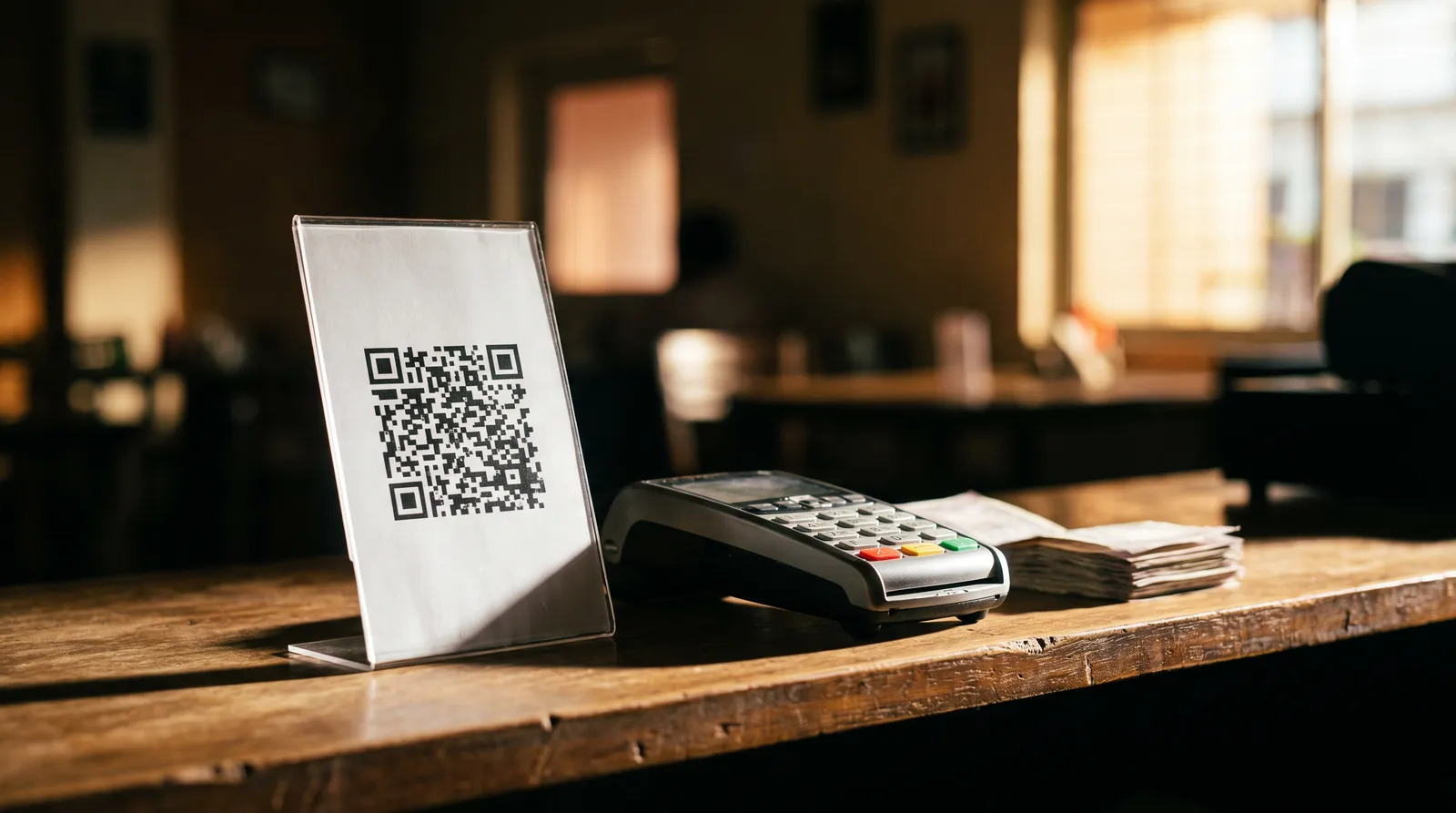
What a Google review QR code actually is
It is an ordinary QR code that encodes one specific link: the URL that opens the “write a review” box for your Google Business Profile. There is nothing proprietary about it and no special Google product involved — the value is entirely in skipping the search.
Without it, a customer who wants to review you has to open Maps or Search, type your business name, pick the right listing out of several similarly named ones, scroll to reviews and find the write button. Five steps, each of which loses people. The code collapses all of it into one scan.
Making one, in three steps
Find your Place ID
Google publishes a free Place ID finder. Search your business name and copy the ID, checking the address matches yours.
Build the link and code
The Place ID becomes a direct review URL, and that URL becomes the QR image.
Test, then print
Scan it on your own phone and confirm it opens your listing before printing a batch.
Printing and placement, practically
- Print from a high-resolution PNG. A screenshot of a code scans badly under shop lighting.
- Keep a clear white margin around the code. Codes printed edge-to-edge against a busy design fail to scan.
- Do not print it on a curved bottle or a crumpled bag if you can avoid it.
- Add one line of text under it. A bare code with no instruction gets ignored — "Scan to leave us a Google review" is enough.
- Laminate anything sitting on a restaurant table. It will meet water within a week.
- Put it where the customer is already stopped and waiting, not where they are walking past.
Where exactly the code goes depends on your trade — a table is right for a restaurant and useless for a workshop. The industry pages cover placement and timing trade by trade.
What a QR code fixes, and what it does not
It fixes
- Customers not being able to find your listing.
- Picking the wrong, similarly named business.
- The delay between wanting to review and getting there.
- Having to read a link out loud or type it.
It does not fix
- The blank text box, where most scans still end.
- Nobody on your staff actually asking.
- Knowing what customers thought if they did not post.
- Customers who are not signed in to a Google account.
Revobot's QR code goes to your own review page rather than straight to Google. The customer answers a few short questions you choose, and their answers are turned into a review draft they can edit and post — so the blank box is already filled in. You also see the feedback from people who decided not to post.
See how that worksCommon questions
How do I make a Google review QR code?
Get the direct review link for your listing from your Place ID, then turn that link into a QR image. The free generator on this site does both steps in your browser, at no cost and with no sign-up.
Is a review QR code free?
Yes. A review link and a QR image cost nothing to create, and you can print them yourself. Paid software is for what comes after the scan, not for the code itself.
Do QR codes expire?
A QR code is just an encoded link, so it works as long as the link works. What does break codes is a shortener that later expires — encode the actual review URL rather than a temporary short link.
What size should I print it?
For a table or counter card, roughly 3 to 5 cm square is comfortable at arm’s length. Bigger for anything read from a distance. Always print from a high-resolution PNG rather than a screenshot, and test a scan before printing a batch.
Will my customers know how to scan it?
Almost certainly. Anyone who has paid by UPI has scanned a QR code at a counter, and in India that is close to everybody with a smartphone. Recent Android and iPhone cameras scan directly with no separate app.
Will a QR code alone get me more reviews?
It removes one obstacle — finding your listing. It does not remove the blank review box, which is where most people who scan still give up. Expect an improvement, not a transformation.
Placement advice for your trade
Start with the free code. Upgrade when the blank box becomes the problem.
The generator costs nothing. Revobot is ₹99 a month with a day free to try it.